Dashboard Widget Catalog
The 25 widget types offered by the dashboard widget library — the catalog
shared by Buildiq and Launchpad via the communal
dashboardWidgetRegistry. Each type self-registers a
{renderer, form, defaultContent, displayName, icon} descriptor, so adding a
widget capability to @conduction/nextcloud-vue makes it available to every
consuming app at once.
Every type below was added to a live dashboard and verified rendering with real content through the browser — the screenshots are the actual rendered widgets, not mock-ups.
On a dashboard, enter edit mode → Add custom widget → pick a Widget type
from the dropdown. The modal swaps in that type's sub-form (documented per-widget
below) and stores the result in the placement's content blob. Per-widget chrome
(custom title, background/text colour) is stored separately in style_config.
How resolution works
BUILT_IN_WIDGETS (object-detail manifest widgets) → dashboardWidgetRegistry
(this catalog) → consumer cnRegistry inject (override wins last). A consuming
app never mutates the shared registry to re-skin a single widget — it overrides
at the CnWidgetGrid resolution boundary. See the
widget library overview and
docs/architecture/cards-and-widgets.md.
Three further types, kb-search, interaction-form and stages, are registered
for the detail-page surface and so do not appear in the dashboard Add-widget
picker. The data type is likewise detail-page only.
Content & layout
Static, configuration-only widgets — no data source required.
Label · label

Single-line styled text label (font size, colour, weight, alignment) for dashboard grids.
→ CnLabelWidget · CnLabelWidgetForm
Notepad · notepad
A personal note typed into in place, saved to the reader's own preferences rather than the layout. User-addable: a reader can add it to their own dashboard with no configuration.
→ CnNotepadWidget · CnNotepadWidgetForm
Text · text

Multi-line rich-text / markdown widget with optional table mode (sanitised HTML).
→ CnTextWidget · CnTextWidgetForm
Header Banner · header

Banner / header widget with background image, overlay, title/subtitle and CTA button.
It can also greet the user: greeting: true makes the heading read "Good afternoon,
Pieter", showDate: true adds today's date above it, and plain: true drops the
coloured background.
→ CnHeaderWidget · CnHeaderWidgetForm
Banner and attention card · banner
A notice with a severity (info, warning, error, success), an optional
click-through route and an optional visibleWhen condition. With
layout: "attention" it becomes an attention card: a card with a severity edge, a
kicker label, a title, a reason line and up to two actions. Without layout
it renders the note card it always did.
{
  "widgetKey": "banner",
  "props": {
    "layout": "attention",
    "variant": "error",
    "kicker": "First today",
    "title": "Parking permits city centre",
    "reason": "The deadline ends today. {value} documents are still missing.",
    "visibleWhen": { "source": { "register": "dossiq", "schema": "case", "filter": { "assignee": "@me", "deadline": "@today" } }, "op": "gt", "value": 0 },
    "actions": [
      { "label": "Open case", "route": { "name": "CaseDetail", "params": { "id": "2026-0061" } } },
      { "label": "All deadlines", "route": "Deadlines" }
    ]
  }
}
| Key | Type | Description |
|---|---|---|
layout | 'banner' | 'attention' | banner (default) is the note card. attention is the card described here. |
variant | 'info' | 'warning' | 'error' | 'success' | The severity. It sets the colour of the edge and the kicker. |
kicker | string | The small label above the title. |
title | string | The title. Falls back to text. |
reason | string | The line that says why this needs attention. {value} is replaced by the value visibleWhen read. |
actions | Array<{ label, route?, href?, primary?, id? }> | Two at most, four under the board look (DqMijnWerk draws three secondary actions and the primary one). The first is the primary one unless an action sets primary: true. An action with neither route nor href renders a button and emits action. The manifest schema still allows two in content.actions; a host component that renders the card passes more as the actions prop. |
maxActions | number | Prop: the most actions the card shows, overriding the default (two, four under the board look). |
visibleWhen | object | Same predicate as the banner. The card stays hidden until it holds. |
When the check itself fails. An attention card whose visibleWhen request fails (the endpoint or source answers an error, or the network is down) does not stay hidden. It renders one muted line, "Could not check:" followed by the card's title, with the reason as a tooltip, and on a dashboard it keeps its cell. A hidden card would read as "nothing needs attention", and a failed count does not know that. The line carries no severity colour, no alert role and no actions. When the title uses {value}, the line says only "Could not check". A request that succeeds with a value that does not meet the condition still renders nothing, and a plain banner (no layout) still stays hidden on failure.
A card that names one record. Give visibleWhen.source an order and the card reads the first row of that ordered query. notEmpty on id is the test that there is a first row, so an empty query shows nothing. The row is the card's subject: {subject.<field>} in the kicker, title and reason fills it ({subject.createdAt|date} and {subject.createdAt|days}, the whole days since, format it), and @subject.<field> in an action's route params or query becomes its value. A token the row has no value for empties that whole text. stacked: true puts the actions under the text with a 16px title, as PqMijnWerk's "Begin hier" card draws it. On a dashboard the page reads the query once and hands the row to the card.
{
  "widgetKey": "banner",
  "props": {
    "layout": "attention",
    "stacked": true,
    "kicker": "Start here",
    "title": "{subject.title}",
    "reason": "{subject.contactName} has waited {subject.createdAt|days} days.",
    "visibleWhen": {
      "source": { "register": "app", "schema": "ticket", "filter": { "assignee": "@me" }, "order": { "slaDeadline": "asc" } },
      "field": "id",
      "op": "notEmpty"
    },
    "actions": [ { "label": "Answer now", "route": { "name": "TicketDetail", "params": { "id": "@subject.id" } } } ]
  }
}
The component is CnBannerWidget, resolved by its key and configured by CnBannerWidgetForm.
Divider · divider

Divider / spacer widget with line style, thickness, colour and optional heading.
→ CnDividerWidget · CnDividerWidgetForm
Image · image
Image widget with object-fit modes, optional link, and graceful error/placeholder state.
→ CnImageWidget · CnImageWidgetForm
Video · video
Video widget supporting YouTube/Vimeo/PeerTube embeds and Nextcloud-file/HTML5 playback.
External embeds require the host page to allow the provider's frame domain in its
Content-Security-Policy (frame-src).
→ CnVideoWidget · CnVideoWidgetForm
Navigation & links
Link Button · link

Link / button widget with single and list display modes; emits
internal-action / create-file for host-handled actions.
→ CnLinkButtonWidget · CnLinkButtonWidgetForm
Links · links
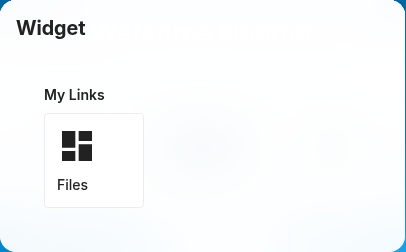
Sectioned link-collection widget with multiple layout styles. Each section holds
one or more {label, url, description} links.
→ CnLinksWidget · CnLinksWidgetForm
Menu · menu

Hierarchical menu widget (dropdown / sidebar / tree) with active-item highlighting.
→ CnMenuWidget · CnMenuWidgetForm
Quicklinks · quicklinks

Icon-grid quick-links widget with configurable icon size, columns and labels.
→ CnQuicklinksWidget · CnQuicklinksWidgetForm
Tile · tile
Clickable card with an icon, title, and configurable colours that navigates by
linkType (app → resolved Nextcloud route, url → external link in a new tab).
→ CnDashTileWidget · CnDashTileWidgetForm
Nextcloud data
Widgets backed by native Nextcloud APIs (Files, Contacts, Calendar, the Dashboard API).
Files · files
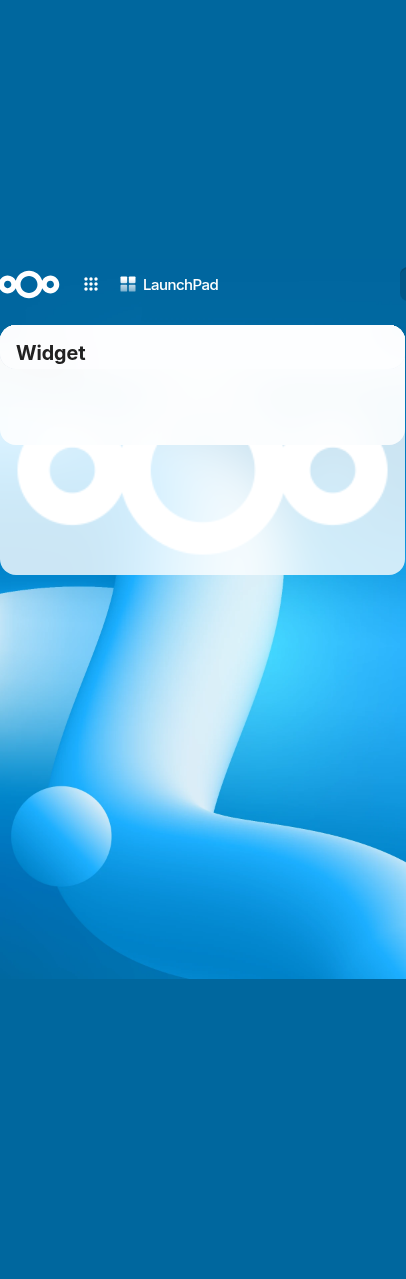
Files browser widget (folder navigation, thumbnails, mime filter, sort).
→ CnFilesWidget · CnFilesWidgetForm
People · people
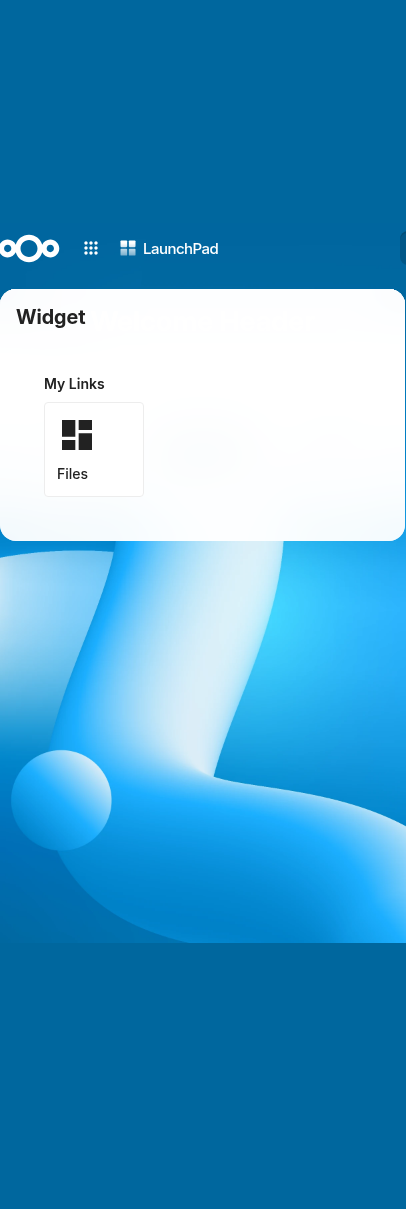
People directory widget (grid/card/list) with filters and birthdays; data via
dataSource / cnPeopleSource.
→ CnPeopleWidget · CnPeopleWidgetForm
Calendar · calendar
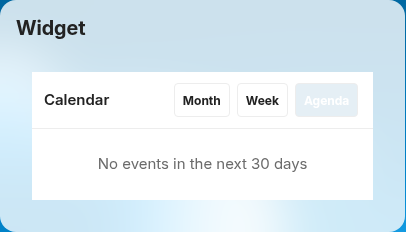
Calendar widget (agenda/upcoming) over internal calendars + external ICS feeds.
The form offers a calendar picker (multiselect of the user's own calendars,
supplied by the consuming app via calendarsFetcher) instead of free-text
principal URIs; external ICS URLs must be https://.
→ CnCalendarWidget · CnCalendarWidgetForm
Nextcloud widget · nc-widget
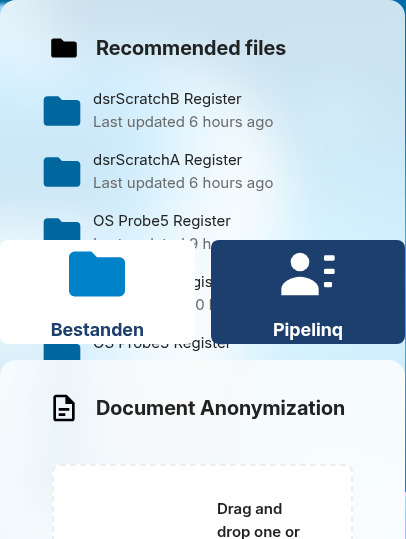
Proxy widget that renders a native Nextcloud Dashboard API widget (v1/v2) inside the grid.
→ CnNcWidgetWidget · CnNcDashboardWidgetForm
OpenRegister analytics
KPI / chart / list widgets that resolve their data from OpenRegister at runtime.
These read sibling-app data via a runtime source block or GraphQL — never a
hard manifest.dependencies entry.
Statistic / KPI · stat

Single-value KPI card. Resolves one number from an OpenRegister source block at
runtime (aggregate API) and renders it as a large formatted figure with optional
icon, caption, and click-through route.
→ CnStatWidget · CnStatWidgetForm
Comparison / delta · delta

Comparison / delta card. Resolves two OpenRegister aggregates (current and previous
window) and renders the current value plus the signed percentage change, coloured
by whether the movement is "good" (goodDirection).
→ CnDeltaWidget · CnDeltaWidgetForm
Gauge / utilization · gauge
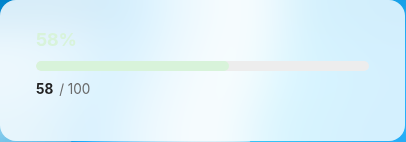
Gauge / utilization card. Resolves a value and a target from OpenRegister and renders
a radial gauge of value-against-target, coloured by warn/danger thresholds.
→ CnGaugeWidget · CnGaugeWidgetForm
Saved view · saved-view
A list driven by one of the reader's saved views. The configuration is a view id and a
row limit and nothing else: the register, schema, filter and order are read from the
view on every load, so the card follows the view when it is edited on the index page.
A view that was deleted or is no longer shared renders a named refusal, not an empty
list. It is the one data widget a user may add (userAddable), because the view
carries the register and schema.
→ CnSavedViewWidget · CnSavedViewWidgetForm
Saved views · saved-views
The reader's own saved views as a list of links ("Opgeslagen weergaven"). Where
saved-view draws the rows of one view named by id, this one lists the views
themselves and has no id to configure: it asks the Views API for the signed-in
user's views, keeps those of the configured source and links each to the index
page with the view's filters, search and sort in the query, which the page applies.
→ CnSavedViewsWidget
Statistic card · stats-block

Pulls a count from OpenRegister's GraphQL endpoint and forwards it to
CnStatsBlock for rendering.
→ CnStatsBlockWidget · CnStatsBlockWidgetForm
Chart · chart
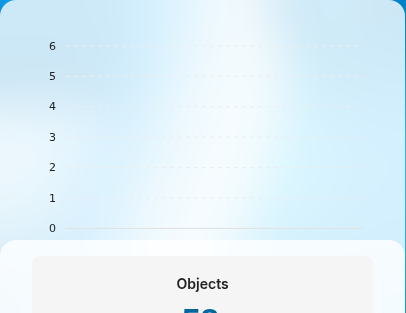
ApexCharts wrapper supporting area, line, bar, pie, donut, and radialBar chart types
with Nextcloud-themed defaults. apexcharts / vue-apexcharts are peer dependencies.
→ CnChartWidget · CnChartWidgetForm
Object list · object-list
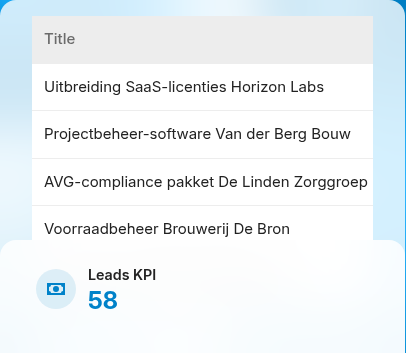
Fetches a page of OpenRegister objects (register + schema + filter + sort + limit)
at runtime and renders them as a compact column table.
→ CnObjectListWidget · CnObjectListWidgetForm
Table · table
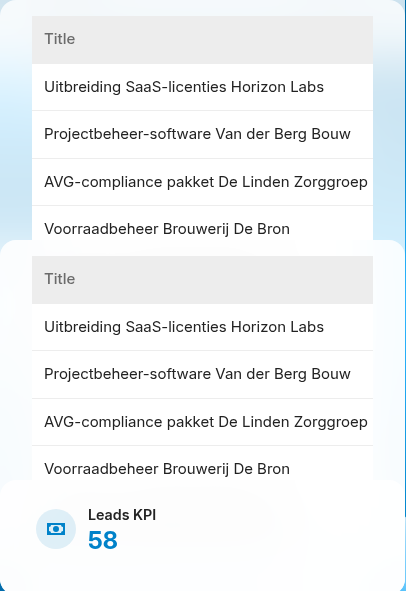
Compact data table with a card wrapper, title header, and optional "View all" footer.
Supports external rows (rows) or self-fetch (register + schemaId). Shares the
object-list sub-form.
→ CnTableWidget · CnObjectListWidgetForm
Stages · stages
The stages a record moves through, read from an app endpoint or an OpenRegister
query. Which of them can be reached comes from Open Register's lifecycle
(/available-actions), and clicking one performs that transition. The same
contract CnLifecycleActions renders as buttons. Detail-page surface only: it
reads and moves the bound record, which only a detail page has.
→ CnStagesWidget · CnStagesWidgetForm · CnLifecycleActions
Week strip · week-strip
The current week as day columns, with the dated items under each day. Today is
highlighted, late items are marked and an empty day says so. Items come from an
OpenRegister source (one request for the week) or from static items.
→ CnWeekStripWidget · CnWeekStripWidgetForm
Stacked bar · stacked-bar
One segmented bar with a legend that carries the label and count of every segment.
Segments come from one grouped count request or from static values. The colours are
steps of one ramp that differ in lightness.
→ CnStackedBarWidget · CnStackedBarWidgetForm
Composition & finance
Container · container

Recursive sub-grid container widget hosting nested widget placements.
→ CnContainerWidget · CnContainerWidgetForm
Spend analytics · spend-analytics

Financial spend-analytics widget with period tabs (this month / quarter / year);
data via dataSource / cnSpendSource.
→ CnSpendAnalyticsWidget · CnSpendAnalyticsWidgetForm
Markdown · markdown
Prose inside a grid page, rendered through the shared cnRenderMarkdown path and sanitised. Registered public: true.
→ CnMarkdownWidget · CnMarkdownWidgetForm
The public flag
Every registerDashboardWidget() entry carries public: boolean, false unless the widget author passes true; a non-boolean value throws rather than being coerced. A widget wrongly marked public is an authenticated capability exposed to anonymous visitors, so opting in is a reviewed decision.
CnWidgetGrid takes a host prop (nextcloud or public; or the injected cnHost). Under public a component can only come from a catalog entry registered public: true: the consumer registry and the built-ins are not consulted, so the decision and the lookup are one thing. Any other key, known or not, renders the inert placeholder (with a console warning) and its component code never runs; the other widgets on the page render normally. Under the default nextcloud host nothing changes. isPublicWidgetType(type) answers the same question for tooling.
The gate scripts/gates/public-widget.mjs <manifest.json>... (skill hydra-gate-public-widget) fails a portal manifest that places a non-public key, naming the page and the key.